 bevy
bevyWhat if your Mac could take screenshots better?
Bevy lives in your notch. Capture, record and copy text out of anything, keep it all in decks, and hand it to anyone, or any AI, in one drag.
Nothing else screenshots like this.
Five things you'll notice the first time you press the shortcut.
It lives in your notch.
Your decks open right out of the notch, over any app. One glance, one swipe, and every capture is there.
See exactly what you take.
A soft glow follows your selection, with its size in pixels.
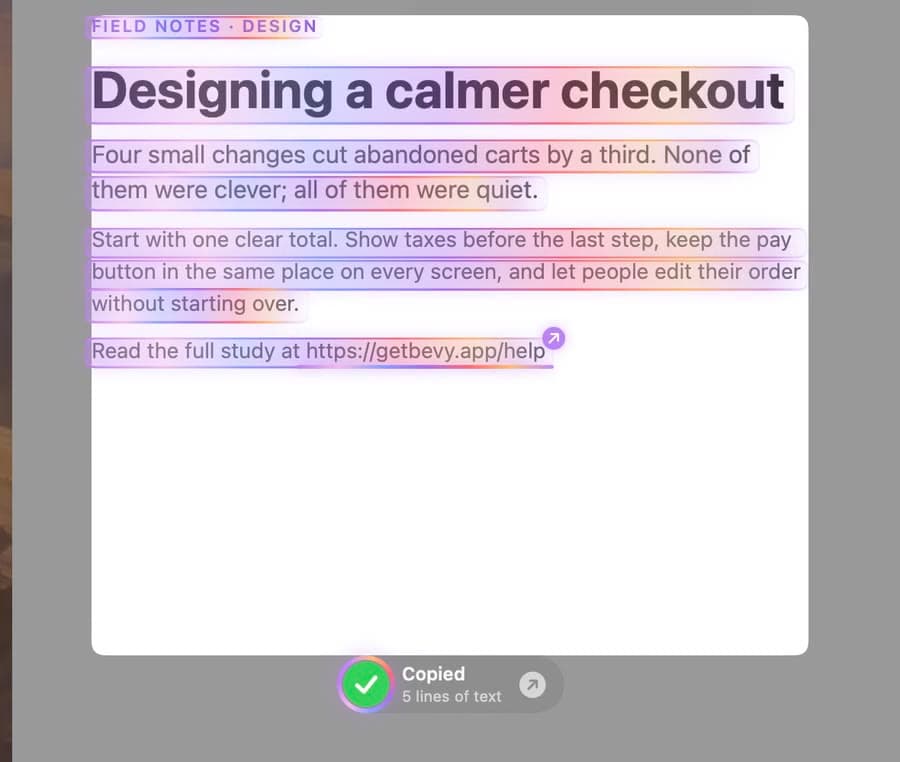
Copy text out of anything.
Smart Image Text reads it, unravels into every line it found, and copies it. Links open with a click.
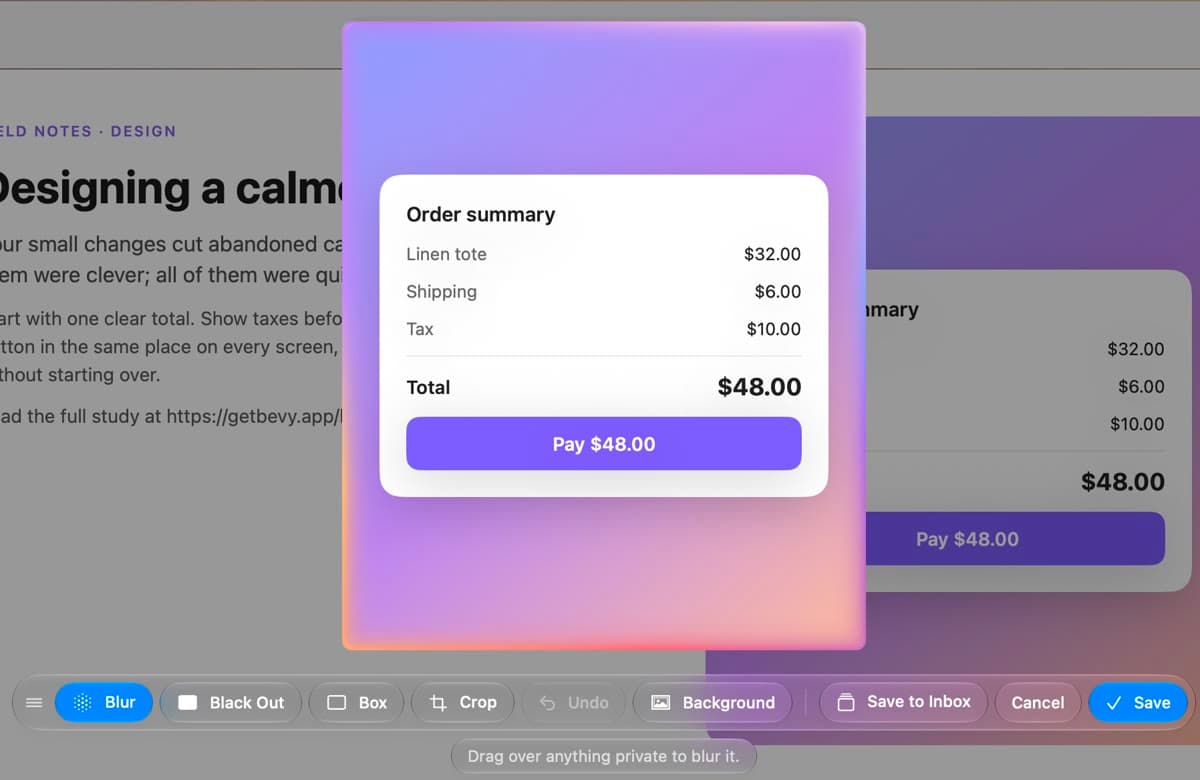
Edit before it's saved.
Blur, black out, box, crop or add a background right where you captured. Nothing is saved until you say so.
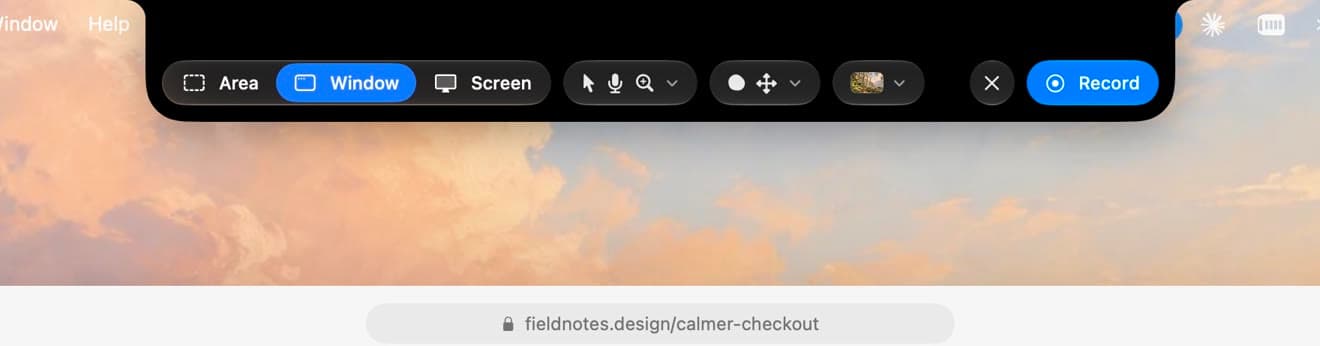

Recording controls, in the notch too.
Choose area, window or screen, turn on your camera, microphone and zoom on clicks, then pause, start over or stop from the same place.
Made for however you work.
Everyday screenshots, AI workflows and design references, all from the same notch.
For the screenshots you take every day.
Copy text you can't select
A confirmation code in a video call, a quote in a photo, a number in a PDF. ⌥⇧⌘T, drag, paste.
Stop losing screenshots
Receipts, tickets and trip plans go into decks instead of piling up on your desktop.
Show someone how
Record a quick how-to with your camera in a bubble. The video zooms in where you click.
Paste your last capture anywhere
⌃⌥V puts your newest capture on the clipboard. Press it again for the one before.
Hands off to the AI you already use.
A deck arrives as plain images and a manifest.md, so whatever AI you already pay for can read it. No plugins, no accounts.
- Claude
- ChatGPT
- Gemini
- Cursor
- GitHub Copilot
- Windsurf
- Perplexity
- Zed
- Mistral
- DeepSeek
- Qwen
- Ollama
- v0
- Replit
- Hugging Face
- Poe
Everything a screenshot should do.
Bevy replaces the pile of Screenshot 2026-09-29 at 2.51.26 PM.png files on your desktop with decks you can actually use.
Capture anything
An area, a window or the whole screen, each on its own shortcut. Capture and Edit lets you crop, blur or box things first.
Recordings that look produced
Record a region with your camera in a bubble and your microphone on. The video zooms in where you click, all by itself.
Decks, not clutter
Every capture lands in a deck, and every deck is a real folder in Finder with files named after what's in them.
Hand it to anyone
Drag a deck into Messages, Slack, Figma or your AI. It arrives as numbered files plus a manifest that describes each one.
Smart Image Text
Drag over anything to copy its text: paragraphs rejoined, code with its indentation, tables as tables. Links and QR codes open with a click.
Private by design
Everything runs on your Mac. No account, no tracking, and Bevy has no network access at all.
Never reach for the mouse.
Every part of Bevy has a shortcut, and you can change any of them in Settings.
Your screen stays yours.
Reading text and naming captures happens on your Mac with Apple's own frameworks. No account, no analytics, no servers. Bevy can't connect to the internet even if it wanted to.
Read the Privacy PolicyQuestions, answered.

Coming soon to the Mac.
Bevy is on its way to the Mac App Store. Questions in the meantime? We'd love to hear from you.